TPP 3D Camera behavior for Construct 3
A downloadable behavior
Soon :)

TPP Camera — Behavior Documentation
- Attach this behavior to any object you want to follow with a third-person camera.
- Add a built-in 3D Camera object to your layout.
- Set your layer Rendering mode to
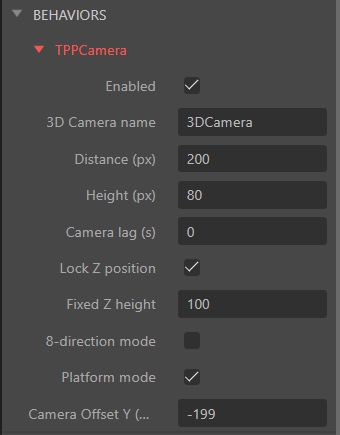
3Dand Projection toPerspective. - Use Distance to control how far behind the object the camera sits.
- Use Height to control how high above the object the camera is positioned.
- Use Camera lag to add a smooth follow delay — 0 is instant, 1 is a 1-second delay.
- Enable Lock Z to keep the camera at a fixed height regardless of the object's altitude — useful for flat levels.
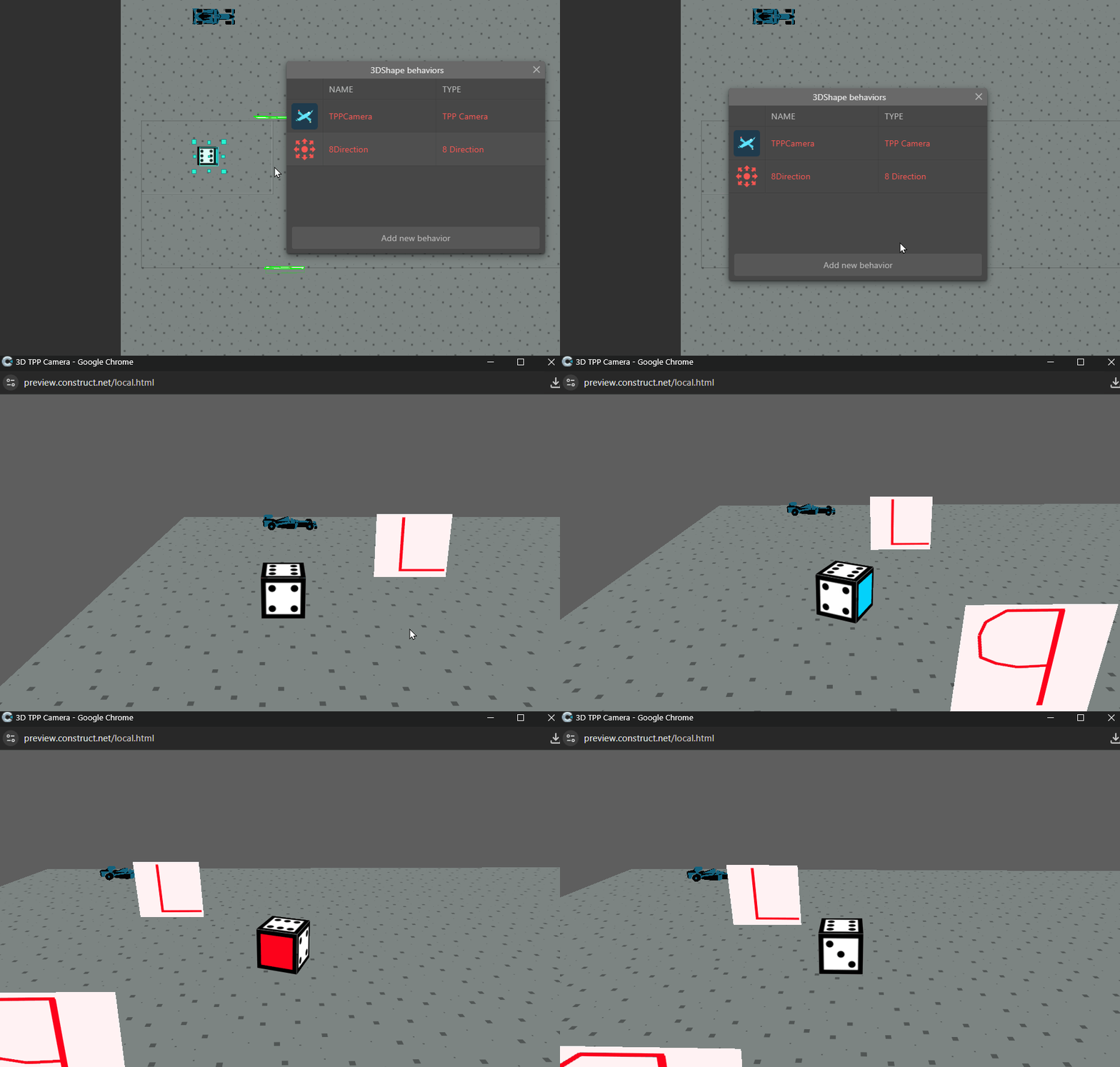
- Enable 8-direction mode when using the built-in 8-Direction behavior — the camera will not rotate, it always looks from the bottom of the layout.
- Enable Enabled checkbox per object to control which object the camera follows — disable on all others.
- Use the Set Enabled action at runtime to switch the camera between objects dynamically.
- Use Set Distance, Set Height, Set Lag actions to change camera settings during gameplay.
- The behavior automatically reads the object's angle for rotation — works with Car, Platform, and custom behaviors.
- For flight games, it integrates directly with the Flight 3D behavior for correct pitch and roll tracking.
- Remove any manual camera events from your event sheet — this behavior controls the camera automatically every tick.
Easy switch camera between other objects with 3 different movement behaviors:
1 Platformer
2- 8 Direction
3- Car

Download
Click download now to get access to the following files:
Leave a comment
Log in with itch.io to leave a comment.