Auto Translator behavior for Text Object Construct 3 Addon
A downloadable addon
Auto Translator - Construct 3 Behavior SDK2
Automatically translate and encrypt text in your Construct 3 games using multiple translation APIs!
🌍 What is it?
Auto Translator is a powerful behavior that adds real-time translation capabilities and text encryption to any text object in Construct 3. Perfect for creating multilingual games, localization testing, dynamic content translation, and hidden messages/puzzles.
✨ Key Features
- Multiple Translation APIs: Choose from 7 different translation services
- Text Encryption/Decryption: 4 built-in cipher types (Caesar, ROT13, Base64, Reverse)
- Smart Caching: Translations are cached to minimize API calls and improve performance
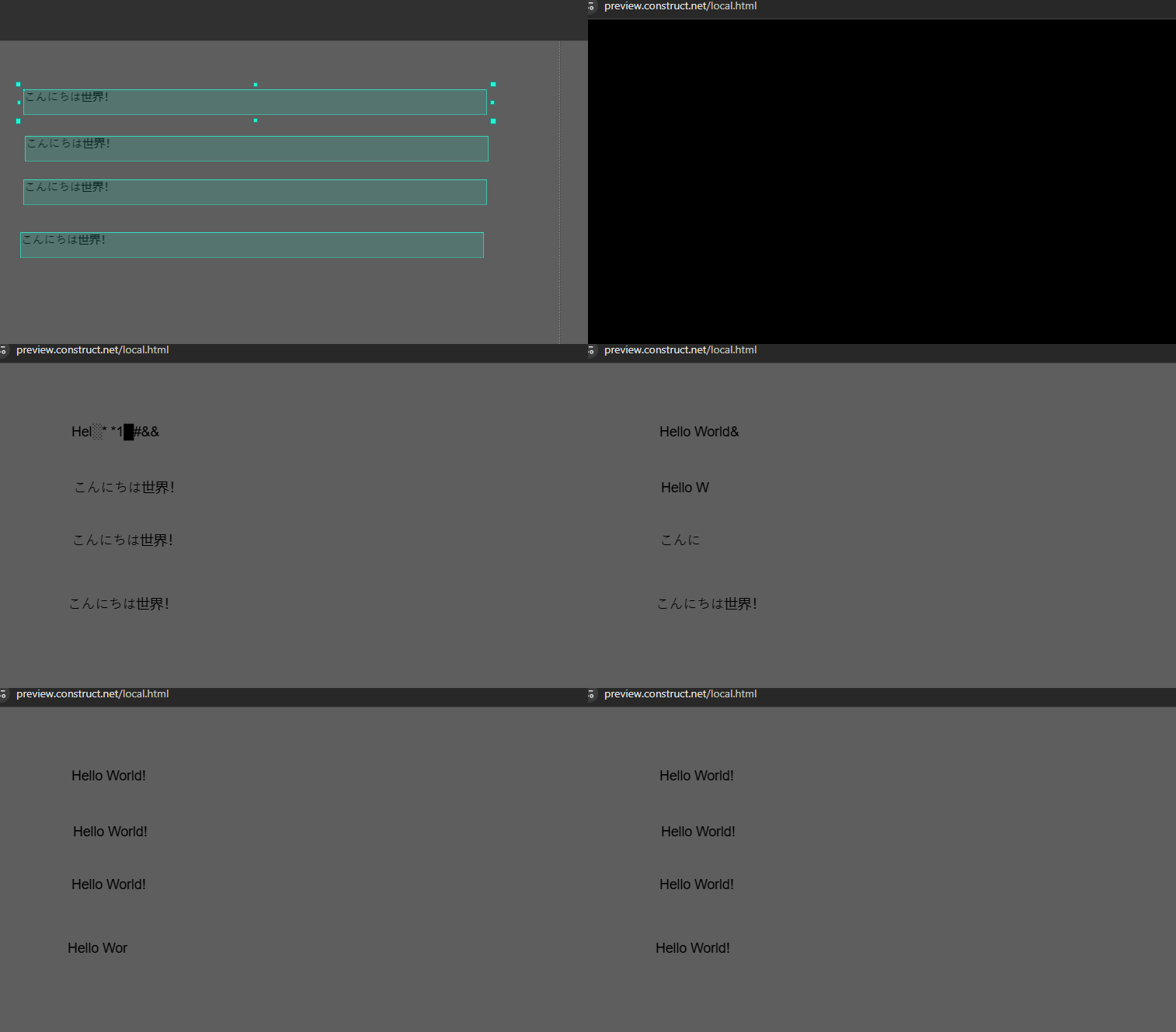
- Translate on Start: One-time translation when preview/game starts
- Auto Translate: Automatically translate text when it changes dynamically
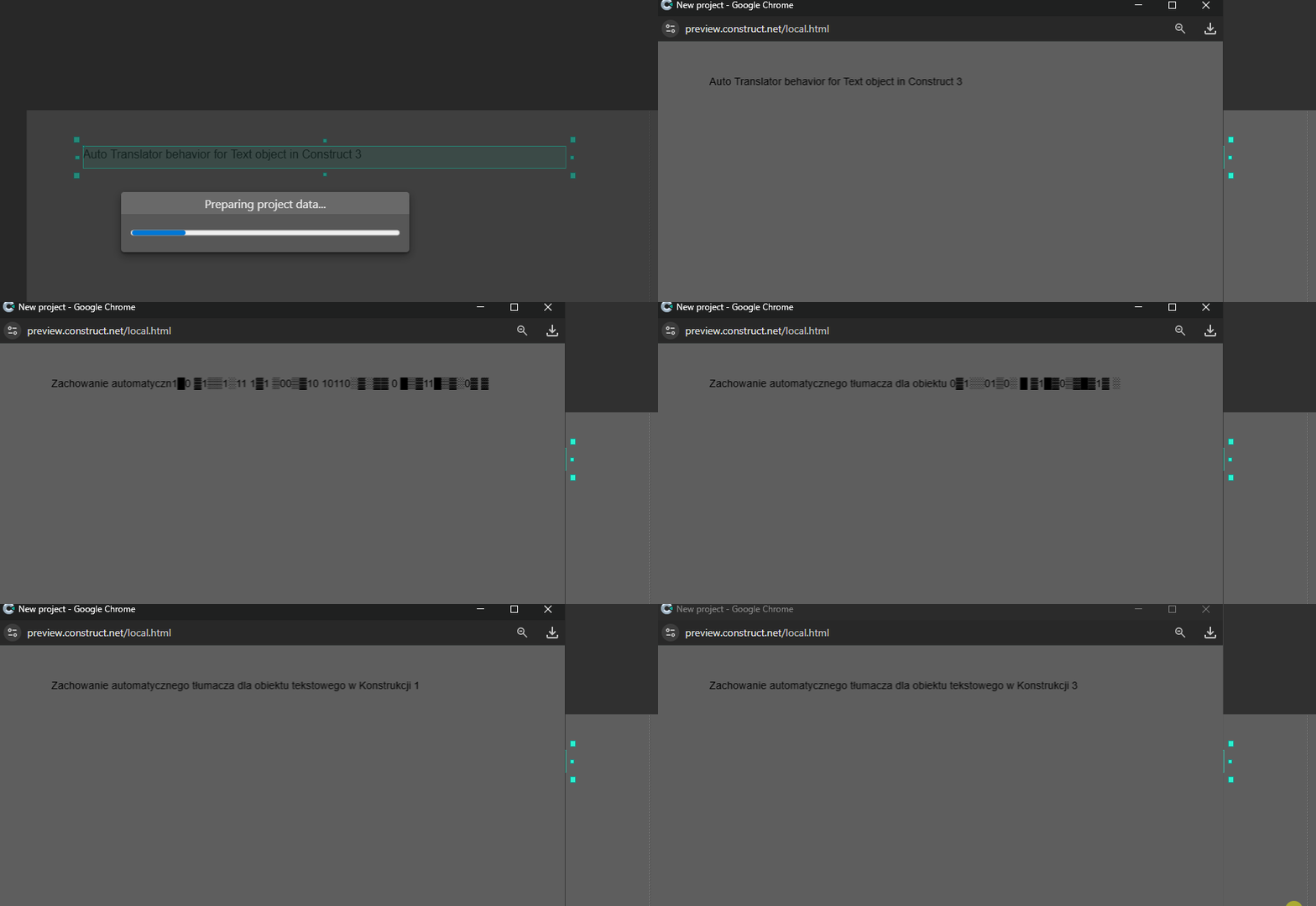
- 3 Translation animations: fade, typewriter, decode glitch
- Language Detection: Auto-detect source language or specify manually
- 22+ Languages Supported: Including English, Spanish, French, German, Polish, Japanese, Chinese, Korean, Arabic, and more
🔒 Cipher System
Encrypt text on start and decrypt it with translation! Perfect for puzzles, hidden messages, or obfuscated game content.
- Caesar Cipher - Shift letters by N positions (customizable shift value)
- ROT13 - Classic ROT13 encoding
- Base64 - Base64 encoding/decoding
- Reverse - Simple text reversal
🔧 Available Translation Services
Free Options (No API Key Required)
- MyMemory (default) - 1000 words/day per player IP
- Microsoft Translator - Free proxy with no hard limit
API Key Options (Free Tiers Available)
- DeepL - 500,000 characters/month free, then paid
- Claude API - Anthropic's AI translation
- ChatGPT API - OpenAI's GPT translation
- Gemini API - Google's AI translation
- LibreTranslate - Open-source translation (requires API key)
🎮 How to Use
Basic Translation
- Add the Auto Translator behavior to any text object
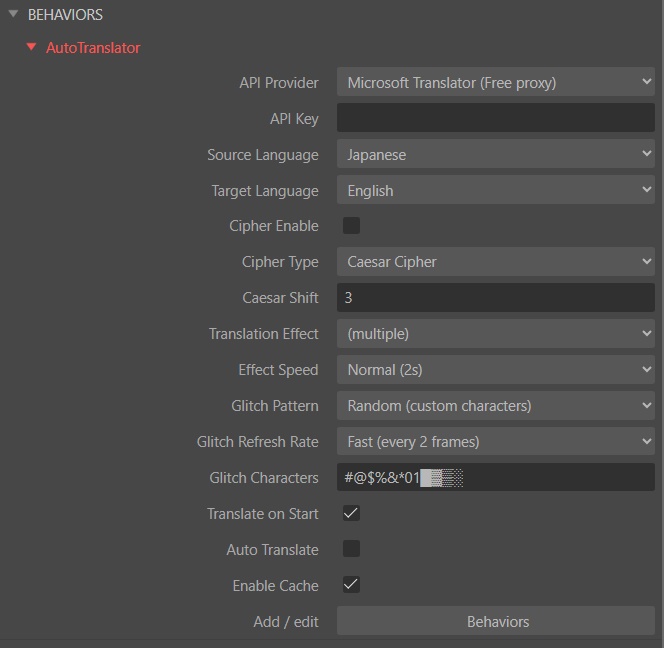
- Select your preferred translation API provider
- Set source and target languages
- Enable Translate on Start for automatic translation on preview/game start
- Or use "Translate now" action via events
Text Encryption
- Enable Cipher Enable checkbox
- Select Cipher Type (Caesar, ROT13, Base64, Reverse)
- For Caesar: Set Caesar Shift value (default: 3)
- Text automatically encrypts on preview/game start
- Use "Translate now" action to decrypt and translate
📋 Actions & Conditions
Actions:
- Translate now
- Translate existing text
- Set auto translate on/off
- Set source/target language
- Clear cache
Conditions:
- Is translated
- Is translating
- On translation complete
- On translation error
- On started translating
Expressions:
- TranslatedText - Get the translated text
- OriginalText - Get the original text
- ErrorMessage - Get error details
- CacheSize - Get number of cached translations
📝 Important Notes
- Free APIs (MyMemory, Microsoft) have per-IP daily limits - perfect for testing and small/medium games
- Each player with unique IP gets their own quota (1000 words/day for MyMemory)
- For production games with high traffic, consider using an API key service
- Translations are cached (100 entries max, FIFO) to reduce API calls and improve performance
- Translate on Start - One-time translation when game starts (for static text)
- Auto Translate - Continuous translation on text changes (for dynamic text)
- Can combine both: translate initial text + auto-translate changes
🔒 Privacy & Security
- API keys are stored only in your project properties
- No data is collected by this addon
- All translation requests go directly to the selected API provider
- Encryption happens locally in the browser/game
🎯 Quick Examples
Live Chat Translation: Set Auto Translate = ON. Messages automatically translate as players type
Language Learning Game: Show text in one language, player guesses, then use "Translate now" to reveal answer
Purchase
In order to download this addon you must purchase it at or above the minimum price of $9.99 USD. You will get access to the following files:
Download demo
Leave a comment
Log in with itch.io to leave a comment.